How to Check Table Saw Trunnion Alignment and Blade Tilt
What's inside
As an Amazon Associate I earn from qualifying purchases. This post may contain affiliate links at no extra cost to you.
Contents
What you are checking
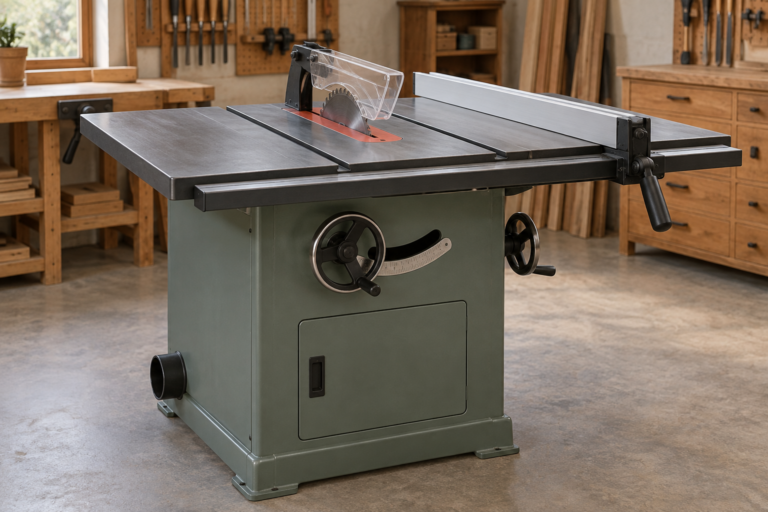
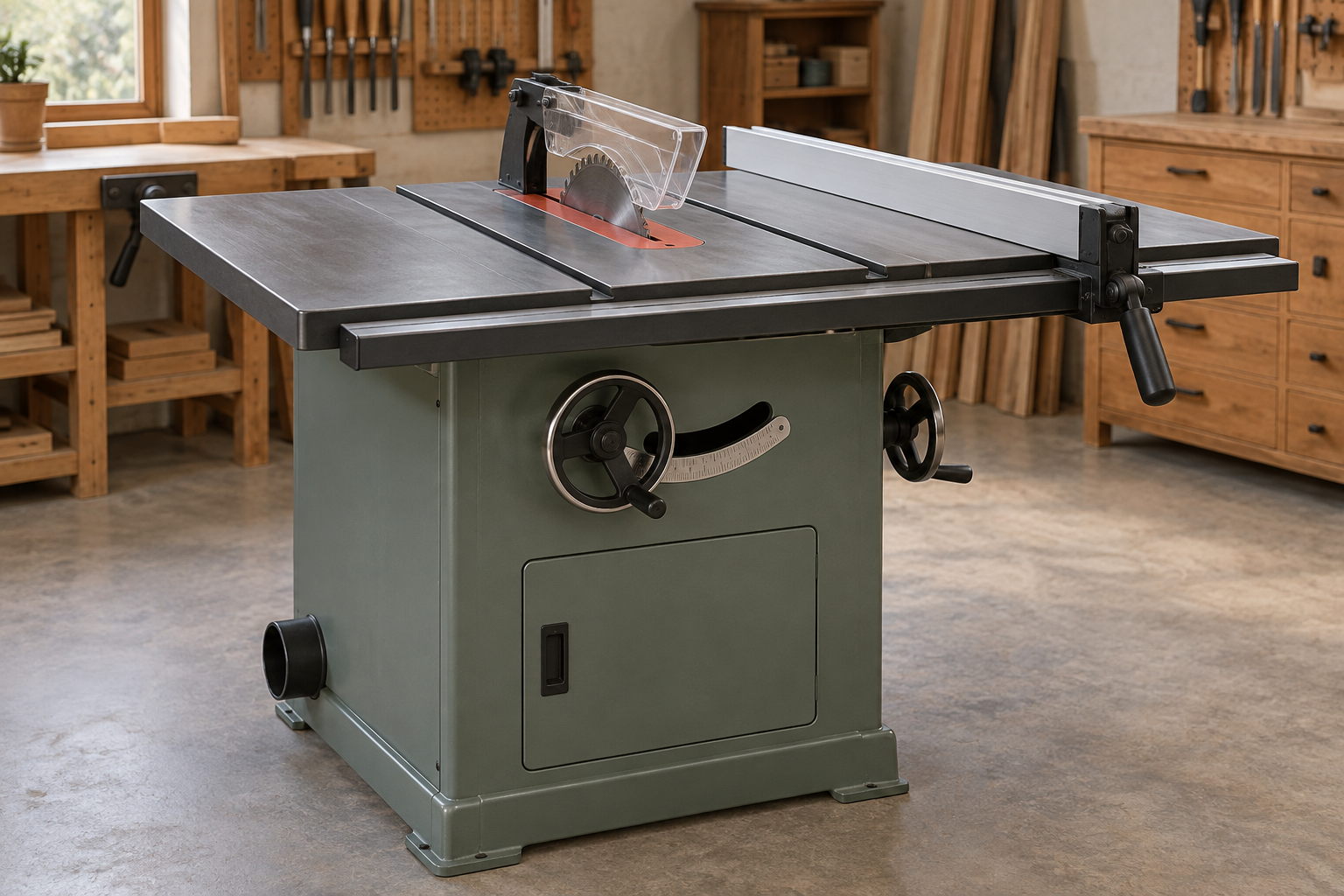
Two related adjustments affect whether a table saw cuts accurately. Blade-to-miter-slot alignment checks whether the blade travels parallel to the slot. Trunnion alignment is the adjustment that usually brings the blade and arbor assembly into line with the saw table. Blade tilt checks whether the blade is square to the table at 90 degrees and reaches the correct angle at the saw’s tilt stops.
Check alignment after moving a saw, replacing a blade or arbor, or noticing that cuts burn, drift, or bind. A misaligned blade can pinch the workpiece against the fence; do not keep making test cuts if the wood is closing on the blade. Unplug the saw before reaching into the cabinet or loosening hardware.
Tools and preparation
Use a straight, clean blade with the teeth set aside from the body, and remove pitch or debris from the arbor flange. Raise the blade fully. A dial indicator on a miter-slot bar is the most repeatable way to check parallelism, but a combination square or a marked tooth and ruler can reveal larger errors. A table-saw alignment gauge with a dial indicator saves guesswork if you expect to make the adjustment more than once.
Check the manual before loosening anything. Cabinet saws commonly use bolts through the table or trunnion brackets; contractor and hybrid saws may have a different layout. Support the table or assembly if the manual calls for it, and loosen fasteners only enough to make a controlled shift. Do not work under a suspended or unstable saw top.
Check blade-to-slot parallelism
Choose a tooth at the front of the blade and mark it with a pencil. Set the indicator or measuring tool against that tooth, then rotate the blade by hand so the same tooth moves to the rear. Keep the indicator in the same miter slot and at the same height. Using the same tooth avoids confusing blade wobble or tooth-set differences with alignment error.
Record the front and rear readings. Many saws are considered well aligned when the difference is around 0.003 to 0.005 inch; check the manufacturer’s specification where available. A larger difference, especially above 0.010 inch, is worth correcting before precision work. With a ruler, measure from the slot edge to the same marked tooth at each position. This is less precise, but can identify a serious error.
Also check that the blade does not visibly wobble as it turns. If readings change substantially when you repeat the measurement on the same tooth, inspect the blade, arbor flange, and arbor for dirt, damage, or runout. Trunnion adjustment will not fix a bent blade or a dirty flange.
Adjust the trunnions
Disconnect power. Locate the trunnion or table-mounting bolts identified in the manual. On many saws, the table shifts relative to the blade; on others, the arbor and trunnion assembly shifts. Loosen the bolts slightly, tap the appropriate part with a mallet, and recheck the front-to-rear reading. Small movements matter: a light tap can move alignment several thousandths.
Tighten the bolts gradually in a crosswise sequence, checking alignment after each pass. Tightening can pull the assembly out of position. Once the reading stays within the saw’s specification, secure all fasteners and recheck it. If the adjustment runs out of travel, or the table slots themselves are not parallel to the blade, stop and inspect for bent parts, shifted rails, or a damaged casting rather than forcing the assembly.
Check and set blade tilt
Set the blade to 90 degrees using a reliable square against the blade plate, not a carbide tooth. Raise the blade and place the square on the table, clear of the throat plate. If the blade is not square, adjust the 90-degree stop according to the manual, then confirm that the tilt indicator reads zero. The indicator is a reference, not proof of squareness.
Next, set the blade to 45 degrees and measure with a bevel gauge or digital angle gauge resting against the blade plate. Adjust the 45-degree stop if needed. Return the blade to 90 degrees and recheck; changing one stop or tightening a locking mechanism can affect the other. Make a test cut in scrap and measure the resulting angle, particularly if the saw will be used for cabinet joints or repeated bevels.
Measurement options and trade-offs
| Method | Useful for | Trade-off |
|---|---|---|
| Dial indicator | Repeatable slot-to-blade readings | Costs more; needs a stable miter-slot bar and careful setup |
| Combination square | Quick checks and setting 90 degrees | Can miss small alignment errors; verify the square itself |
| Marked tooth and ruler | Finding a large front-to-rear mismatch | Less precise; measuring pressure and parallax affect readings |
| Digital angle gauge | Checking blade tilt at 90 and 45 degrees | Convenient, but does not check blade-to-slot parallelism |
If you only need to verify a saw before occasional home projects, a sound combination square and careful marked-tooth check may be enough. For frequent setup work, a digital angle gauge makes tilt checks faster, while an indicator is the better purchase for dialing in parallelism.
Verify before cutting
After adjustment, reinstall the throat plate and guard, reconnect power, and make a shallow test cut in straight scrap. Check that the kerf does not close behind the blade and that the stock feeds without unusual resistance. If the saw still burns or binds, check fence alignment, blade condition, feed technique, and stock movement before changing the trunnions again. Keep hands out of the blade path, use a push stick for narrow stock, and never use the fence and miter gauge together for a crosscut unless a suitable stop arrangement prevents trapping the workpiece.