How to Diagnose Table Saw Vibration During a Cut
What's inside
As an Amazon Associate I earn from qualifying purchases. This post may contain affiliate links at no extra cost to you.
Vibration that starts only when a table saw is cutting is a useful clue: the motor and arbor may run smoothly unloaded, while blade contact exposes a problem with the blade, workpiece, fence, or feed. Stop if the saw jumps, the blade visibly wobbles, or the cut binds. Unplug the saw before inspecting or adjusting anything; a switched-off saw can still start if power remains connected.
Contents
Note when the vibration occurs
Pay attention to whether it starts as soon as the blade touches the wood, builds during the cut, or appears only near the end. Note the material, cut depth, blade, and feed rate. A repeatable change with one blade or one workpiece points toward the cutting setup. Vibration during idle operation, or with several blades and materials, makes a machine-side fault more likely.
Do not keep making test cuts to reproduce severe vibration. If the saw shifts on its stand, makes a new metallic knock, or the blade appears to move side to side, shut it down and inspect it before running it again.
Rule out the workpiece and setup first
A warped board can rock on the table or twist as it passes the blade. A knot, uneven grain, or internal stress can also pinch the kerf and make the saw shudder. Check that the stock lies flat and is supported at both ends. Do not force twisted or badly cupped lumber through a table saw; flatten it on suitable equipment first or use a different cutting method.
Check that the fence is parallel to the blade, or very slightly farther from the blade at the rear, according to the saw maker’s instructions. A fence that pinches the stock against the blade can cause binding, vibration, and kickback. Confirm that the splitter or riving knife is installed and aligned where the cut requires it. Use a push stick or push block when your hands would otherwise approach the blade.
Feed at a steady pace. Pushing too hard can bog down a small saw; feeding too slowly can burn the cut and prolong blade contact. Neither problem is fixed by leaning harder on the stock.
Inspect the blade and its fit
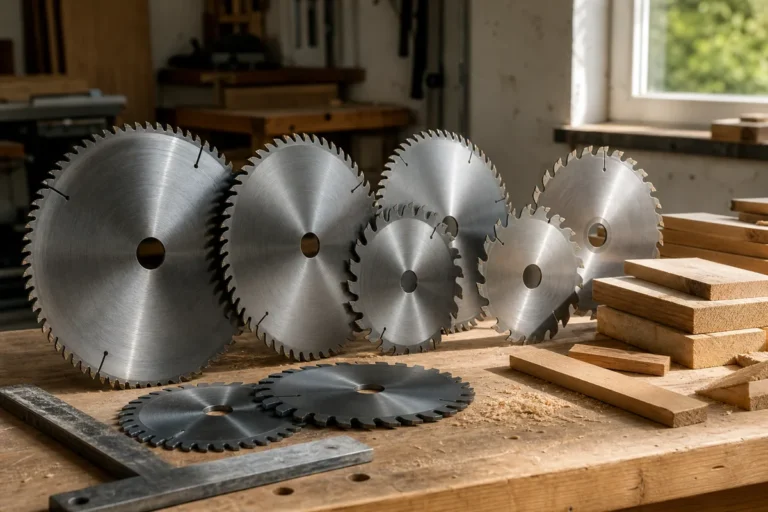
Unplug the saw and wait for the blade to stop. Look for missing, chipped, or heavily worn teeth, pitch buildup, and a warped plate. Resin can make a blade cut unevenly even when its teeth look intact. Clean a dirty blade with a cleaner intended for saw blades, following its directions. Replace a blade with damaged teeth rather than trying to balance or repair it at home.
Make sure the blade is seated flat against the arbor flange and the nut is snug according to the manual. A dirty flange, trapped sawdust, or a blade installed backward can cause rough cutting. Do not overtighten the arbor nut or add washers unless the manufacturer specifies them. If the blade feels loose or the arbor has detectable play, do not use the saw until the cause is found.
A clean, appropriate blade is often the least expensive useful purchase. For general-purpose woodworking, compare a 10-inch table-saw combination blade with the blade you have, matching the arbor bore and maximum speed. More teeth can improve crosscuts but may feed more slowly; a low-tooth ripping blade is often better for long cuts along the grain. A new blade will not cure a loose arbor or misaligned fence.
Compare the likely causes
| What you notice | Likely cause | First check |
|---|---|---|
| Vibration begins with one board | Warped stock, knot, or pinched kerf | Stock support and fence clearance |
| Rough cut with burning or a rhythmic knock | Dirty, damaged, or unsuitable blade | Blade teeth, plate, and cleanliness |
| Blade wobbles when turned by hand | Blade seating, flange dirt, or arbor issue | Unplug, remove blade, inspect contact surfaces |
| Vibration remains with different blades and stock | Loose mounting, pulley, belt, bearing, or motor fault | Stand and machine fasteners; service next |
Check the saw’s mounting and drive
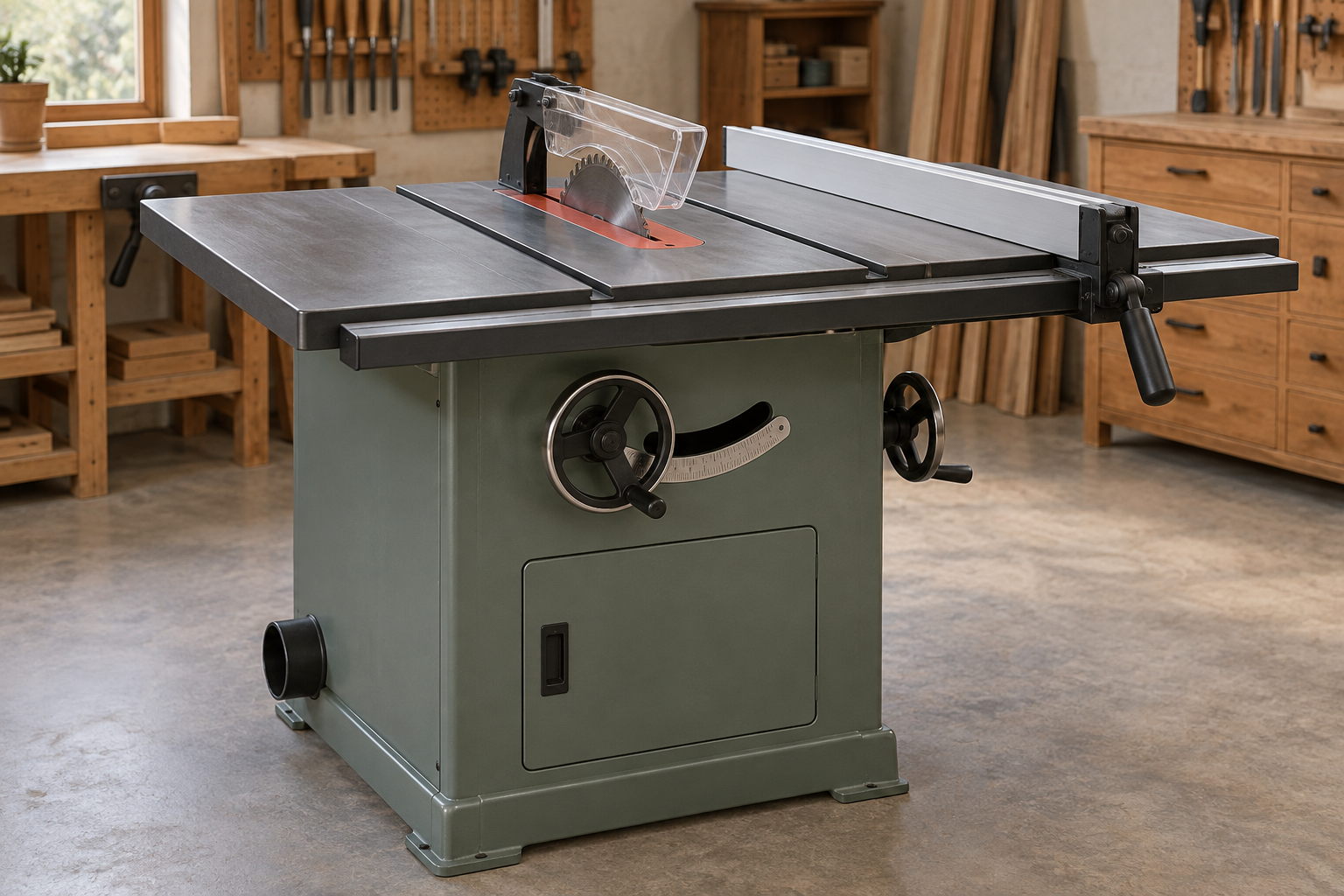
With power disconnected, check that the saw is firmly attached to its stand or bench, and that the stand sits flat without rocking. Tighten loose mounting fasteners to the manual’s guidance. A flexible floor or loose stand can amplify vibration, especially during a heavy cut. A more stable base may help, but it cannot correct a bent arbor or failing bearing.
If the saw is belt-driven, inspect the belt only as the manual allows. A cracked, frayed, glazed, or poorly tensioned belt can cause vibration; a pulley that has shifted or loosened can do the same. Do not reach into the cabinet while the saw is plugged in, and do not run it with guards removed unless the manufacturer’s service procedure specifically requires it. For a direct-drive saw, skip belt checks and consult the manual rather than opening the motor housing.
For a saw that rocks despite a sound floor, a rigid, correctly sized table-saw mobile base can make repositioning easier while keeping the saw planted when locked. Check its weight rating and whether it fits the saw’s footprint. A simple fixed bench or stand is cheaper and is fine if the saw does not need to move.
Know when to stop and get service
After checking the stock, blade, alignment, and mounting, run the saw briefly with no material, standing clear of the blade and wearing eye and hearing protection. If it vibrates unloaded, makes a grinding sound, or the blade has visible side-to-side movement, switch off and unplug it. Possible causes include a bent arbor, worn bearing, damaged pulley, or motor fault. These are not safe problems to diagnose by continuing to cut.
Arbor runout is sometimes checked with a dial indicator, but measurement limits vary by saw; use the service manual’s specification rather than assuming one tolerance fits every machine. If you cannot identify the source, a qualified repair shop can check the arbor, bearings, and drive components. That service may cost more than a blade, but replacing parts by guesswork can cost more still.
Resume work only when the saw runs smoothly and the cut is controlled. If vibration returns under load, stop again: the cause may be a particular board, a feed problem, or a fault that only appears when the blade meets resistance.