How to Set Feed Rate on a Stationary Planer for Hard Maple
What's inside
As an Amazon Associate I earn from qualifying purchases. This post may contain affiliate links at no extra cost to you.
Contents
Start with the planer’s feed settings
Hard maple is dense, but that alone does not mean you should run it at the slowest feed or take tiny cuts on every pass. The right setting depends on the planer’s feed-speed options, cutterhead, knife condition, board width, and the finish you need. Start with the machine manual: its speed labels and limits take priority over general guidance.
On a two-speed planer, the slower setting usually produces more knife cuts per inch at the same cutterhead speed, improving the finish but taking longer. The faster setting is useful for rough sizing when you plan to make a finishing pass afterward. A variable-speed machine lets you adjust more finely, but it does not compensate for dull knives, poor support, or an excessive cut.
Before changing speed or inspecting the cutterhead, switch off and unplug the planer. Never reach into the feed opening while the machine is running.
Choose a starting feed speed
For a smooth finish on hard maple, begin at the slower feed setting if your planer has one. If the board is stable, knives are sharp, and the machine is rated to handle it, make a finishing pass at about 1/32 inch (0.8 mm) or less. On a variable-speed planer, use the manufacturer’s recommended finishing range rather than guessing from another machine’s dial markings.
Use the faster setting for rough dimensioning when the board is straight, adequately supported, and you can tolerate a rougher surface. Take a light cut first, then inspect the result. Feed speed and depth of cut work together: a faster feed or deeper cut asks more of the cutterhead and can increase tearout, chatter, and motor strain.
Do not assume a slow feed makes a heavy cut safe. If the machine labors, slows, leaves ridges, or produces a rougher surface than expected, stop and reduce the depth of cut. A planer should not be forced through hard maple just to maintain a chosen speed.
Compare the settings by the job
| Planer setting | Good use | Trade-off |
|---|---|---|
| Slower feed | Final passes and appearance-focused work | More time per board; still needs sharp cutters and light cuts |
| Faster feed | Rough sizing when a later finishing pass is planned | Typically leaves a rougher surface and may increase tearout |
| Variable speed | Matching feed to the board and finish target | Costs more; the speed range and controls vary by machine |
These are practical distinctions, not guarantees: cutterhead design and knives matter. A helical or segmented cutterhead may leave a different surface from straight knives, but neither removes the need to use a safe cut depth and the feed limits in the manual.
Prepare the board before feeding
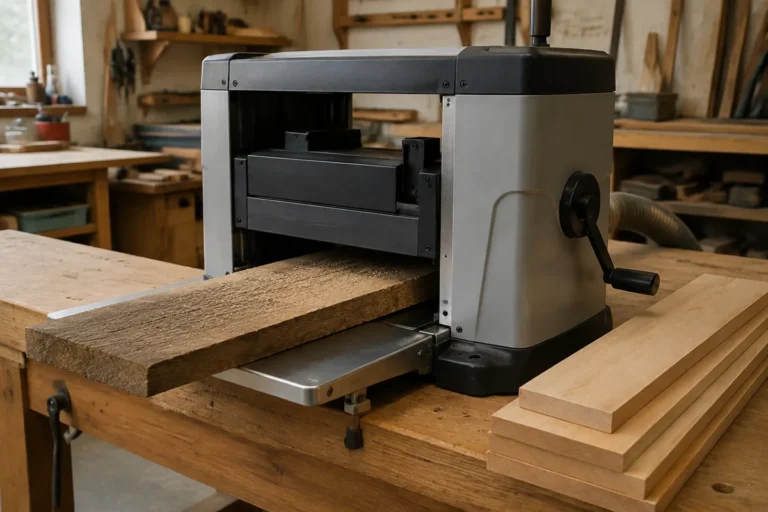
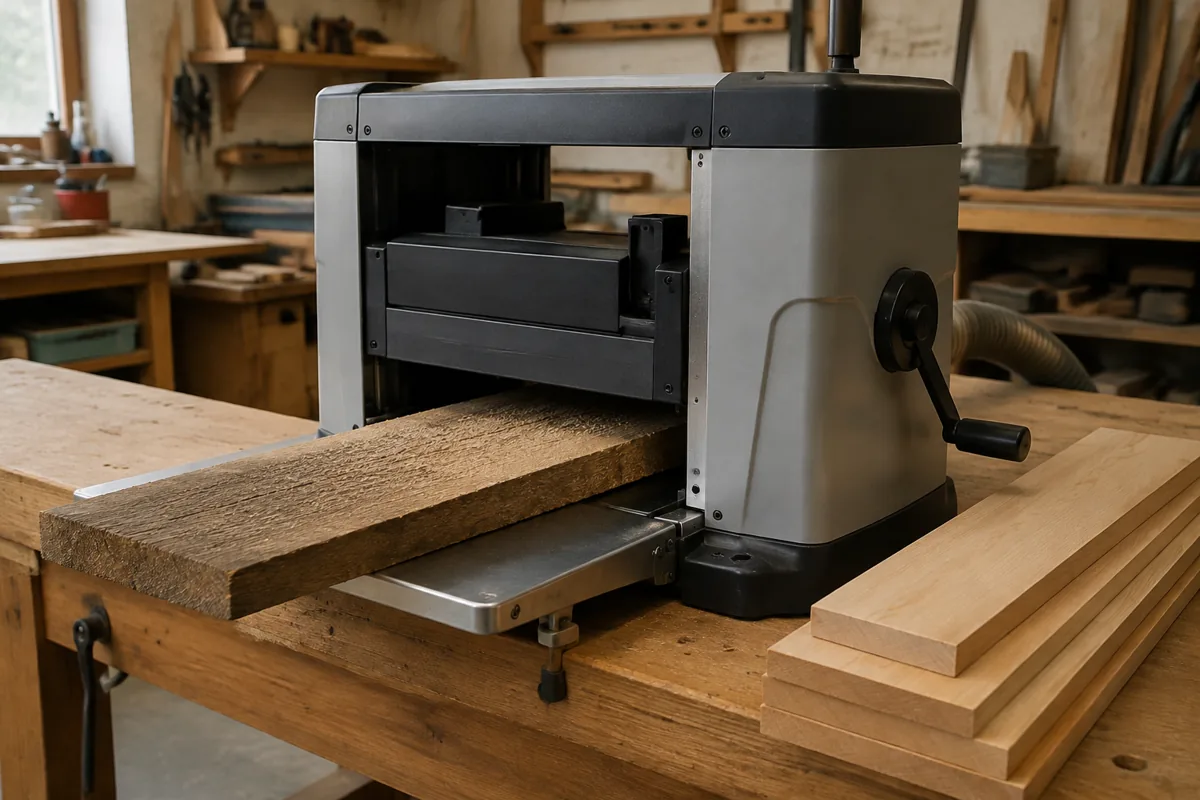
Check hard maple for nails, staples, grit, loose knots, and cracks. Metal or debris can damage knives and become a projectile. Do not plane stock that is bowed, twisted, or cupped so badly that it rocks on the bed; a planer copies the face presented to it and does not flatten a twisted board reliably. Flatten one face with a jointer or a suitable sled before thicknessing.
Use stock that meets the planer’s minimum length, width, thickness, and maximum capacity. Short pieces can be grabbed unevenly, while long boards need support at both ends. Set roller stands or an outfeed table to the planer bed height so the board does not tip as it exits. Keep hands clear of the infeed and outfeed openings, and do not stand directly behind stock that could kick back.
For a buying decision, a basic two-speed planer is often enough if you mainly thickness furniture parts and can accept a slower finishing pass. Variable speed is useful if you regularly switch between rough removal and fine surfacing, but it is not essential for occasional work. Compare two-speed portable thickness planers with variable-speed thickness planers by checking capacity, feed rates, cutterhead type, and replacement-knife availability—not speed controls alone.
Make a test pass and adjust
Begin with a shallow cut, around 1/32 inch (0.8 mm), especially if the planer is unfamiliar or the maple is wide. Feed one test board at the slower speed and inspect it under raking light. Look for raised or torn grain, repeating ridges, scallops, burn marks, and uneven thickness. If the surface is clean and the motor sounds steady, continue at that setting.
If you need to remove more material, increase the depth gradually within the machine’s stated limit. On a wide board or a modest benchtop planer, take less per pass than you would on narrow stock. Hard maple can make a small planer work hard; a conservative cut may take more passes, but is usually preferable to bogging the motor or producing a damaged surface.
When the roughing passes are complete, switch to the slower feed for the last light pass if the machine allows it. Measure thickness at several points with calipers or a reliable thickness gauge. Feed speed improves surface quality; it does not correct a board that is tapering because of poor support or a machine setup problem.
Read the surface and respond
Deep torn fibers, especially near knots or reversing grain, call for a lighter cut and slower feed. If tearout remains, try changing the board’s orientation or finish with a scraper or sander. A planer cannot eliminate every grain-related defect in hard maple.
Evenly spaced ridges or a washboard pattern can point to dull or damaged knives, cutterhead runout, loose components, or feed-roller trouble. If the pattern repeats at regular intervals, do not simply slow the feed and keep working: inspect and maintain the machine according to its manual. For straight-knife machines, replacement planer knives are worth comparing by exact machine compatibility and whether they are disposable or resharpenable.
Chatter, a sudden change in motor sound, or stock that stalls is a reason to stop immediately, unplug the planer, and check for an overly deep cut, dull knives, a jam, or a feed issue. Burning may indicate dull knives, resin or dirt on the cutterhead, slow feeding, or a machine that is struggling. Clean and inspect the machine only with power disconnected; if the cause is unclear, follow the manual or have it serviced.