How to Diagnose a Planer That Feeds Boards at an Angle
What's inside
As an Amazon Associate I earn from qualifying purchases. This post may contain affiliate links at no extra cost to you.
Contents
Confirm the problem before adjusting anything
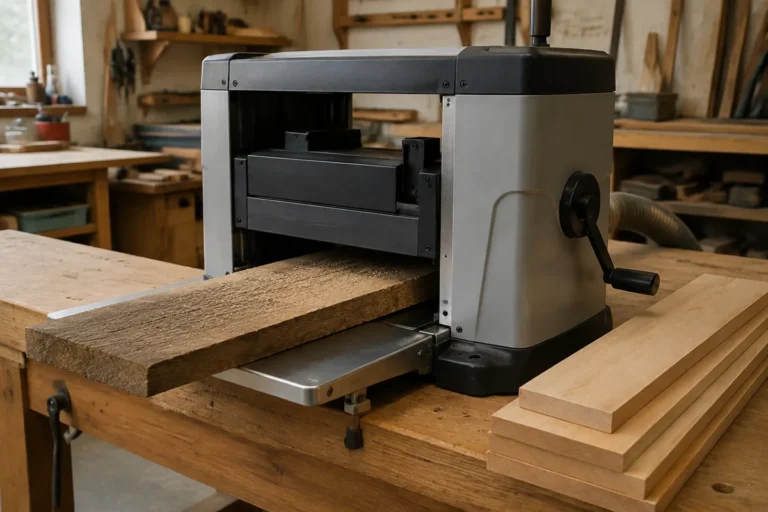
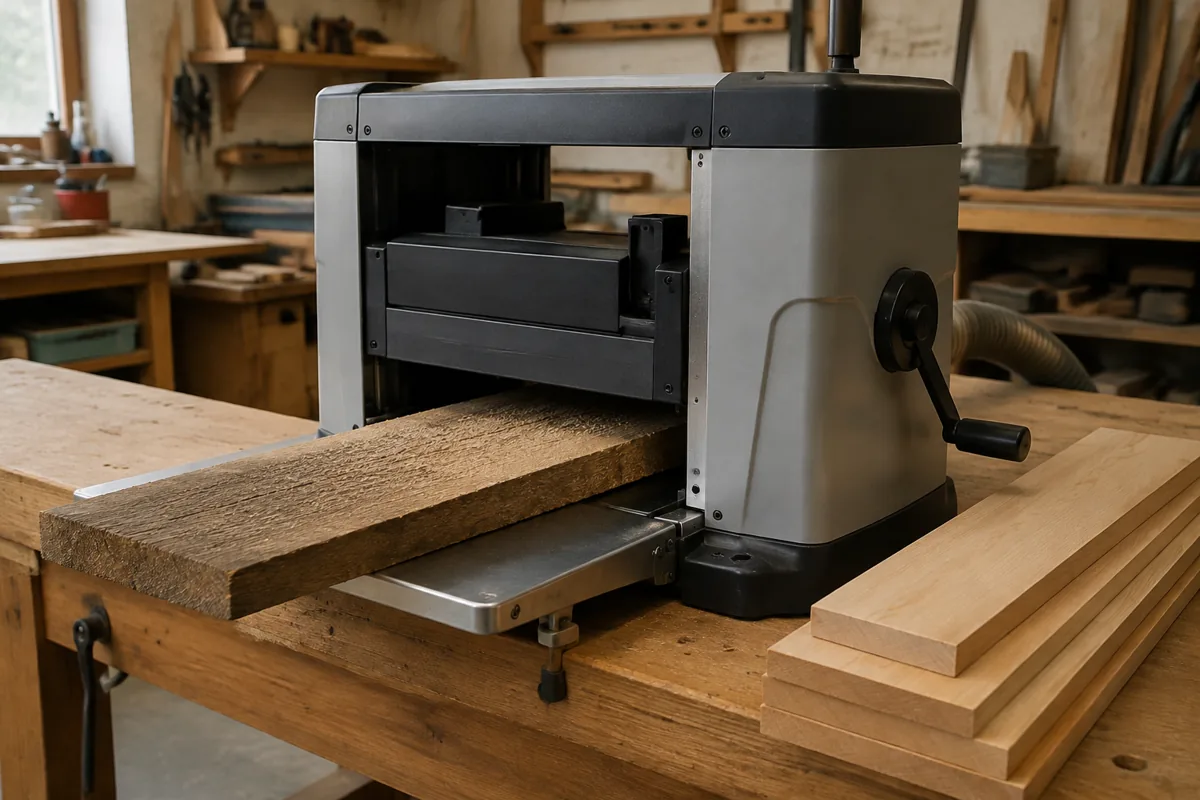
A board that leaves a planer at an angle does not automatically mean the cutterhead or feed rollers are out of alignment. First identify what is actually happening. If the board enters straight but comes out shifted sideways, the machine may be steering it. If it stays centered but one edge is thinner, suspect cutterhead-to-table alignment or a board that is not flat. If the board turns diagonally on the table, check for skew, uneven support, or a damaged feed roller.
Unplug the planer before inspecting inside it. Mark the board’s leading end and one face with pencil, then make a shallow test cut—about 1/32 inch (0.8 mm) is enough. Use a straight, jointed board with parallel edges if available. A twisted or bowed board can rock as it enters, and a tapered edge can make the rollers follow the edge rather than the machine’s centerline.
Check the setup and the board
Set the planer on a level, stable surface. Make sure the infeed and outfeed tables, if fitted, are level with the planer bed or rise slightly at their outer ends. A table that droops can let a long board tip as it reaches the rollers. Support long stock at the same height as the bed; a helper should guide the board without pushing sideways or lifting its end.
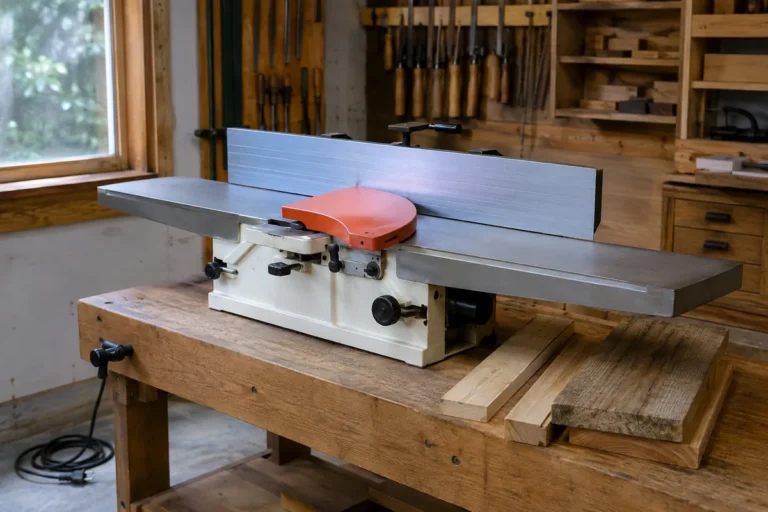
Check the board’s reference face with a straightedge and winding sticks. A planer makes the opposite face parallel to the face resting on the bed; it does not reliably flatten a bowed or twisted board. If the reference face rocks, flatten it on a jointer or with a sled before planing. For a jointer, take light passes and keep the board firmly registered to the fence.
Also inspect the board for loose knots, embedded metal, or a badly chipped edge. A roller can grab a rough corner unevenly, while a loose knot is a safety hazard. Never try to steer a board by putting a hand near the cutterhead or feed rollers.
Inspect the feed system
With the machine unplugged, look for packed chips, pitch, or resin on the bed and rollers. Debris under one side of a board can tilt it; buildup on a roller can reduce grip or make feed uneven. Clean the bed and rollers using the method in the manual, and avoid products that could make the bed slippery or damage rubber.
Check that the rollers turn freely and show no obvious flat spots, cracks, or uneven wear. Look at the cutterhead for missing or damaged knives, and at the chip-ejection path for a clog. A clogged hood can cause chips to recut and leave rough marks, though it is less likely to steer a sound board by itself. Replace damaged parts with the correct parts for the machine rather than trying to compensate with alignment adjustments.
Feed speed and cut depth matter. Reduce the depth of cut if the machine is straining, especially on wide or hard stock. A planer that slows, chatters, or pulls the board unevenly under a heavy cut may feed more consistently with smaller passes. Keep hands clear of the infeed and outfeed openings, and do not reach into a running machine to guide stock.
Match the symptom to the likely cause
| Symptom | Likely cause | First check |
|---|---|---|
| Board shifts sideways but thickness is even | Uneven support, skewed entry, or roller grip issue | Support height, board edges, roller condition |
| One edge is consistently thinner | Bed or cutterhead alignment, or a twisted reference face | Flatten the reference face; measure across the board |
| Board turns or chatters during feed | Heavy cut, poor support, debris, or a damaged roller | Reduce cut depth; clean and inspect feed parts |
| Different results from pass to pass | Changing board support, loose setup, or intermittent feed | Stabilize supports and check for looseness |
Measure alignment before making adjustments
After basic cleaning and setup, run the same straight board through with a shallow cut. Measure thickness at both edges near the same end, then repeat near the other end. Use calipers or a reliable thickness gauge; a difference of a few thousandths of an inch can be difficult to judge by eye. If the difference repeats in the same direction, consult the manual for the maker’s alignment procedure and tolerance.
Do not adjust the cutterhead, bed, or feed rollers by guesswork. Different planer designs use different reference points and adjustment methods, and an incorrect change can create a dangerous feed problem or poor finish. If the manual specifies a gauge or fixture, use it. A basic digital caliper can help compare thickness across a board, but it does not replace the manufacturer’s alignment method.
If the planer is under warranty, contact the manufacturer before altering factory settings. If alignment is outside the manual’s procedure, or the machine has a bent shaft, damaged casting, or persistent uneven feed after cleaning, have it serviced. A repair shop is usually cheaper than replacing a sound machine, but compare the quote with the cost of a replacement if major parts are damaged.
Choose only the tools the diagnosis calls for
For a one-off check, a straightedge and careful measurements may be enough. A machinist’s straightedge or feeler gauges are useful when checking a bed or reference surface, but buying precision tools is unnecessary if the manual does not call for them. A feeler gauge set is inexpensive and can reveal small gaps, though it will not tell you which adjustment to make.
If the real issue is a warped reference face, a jointer is the right tool for flattening it; a planer alone cannot reliably do that job. For occasional work, paying a local shop to flatten stock may cost less than buying another machine. If you regularly prepare rough lumber, compare a benchtop jointer with a planer sled before buying. A planer sled can hold a twisted board stable for a pass, but it takes setup time and reduces usable capacity. A jointer is faster for repeated flattening, while neither choice fixes a misaligned or damaged planer.